
Aperi'Solve



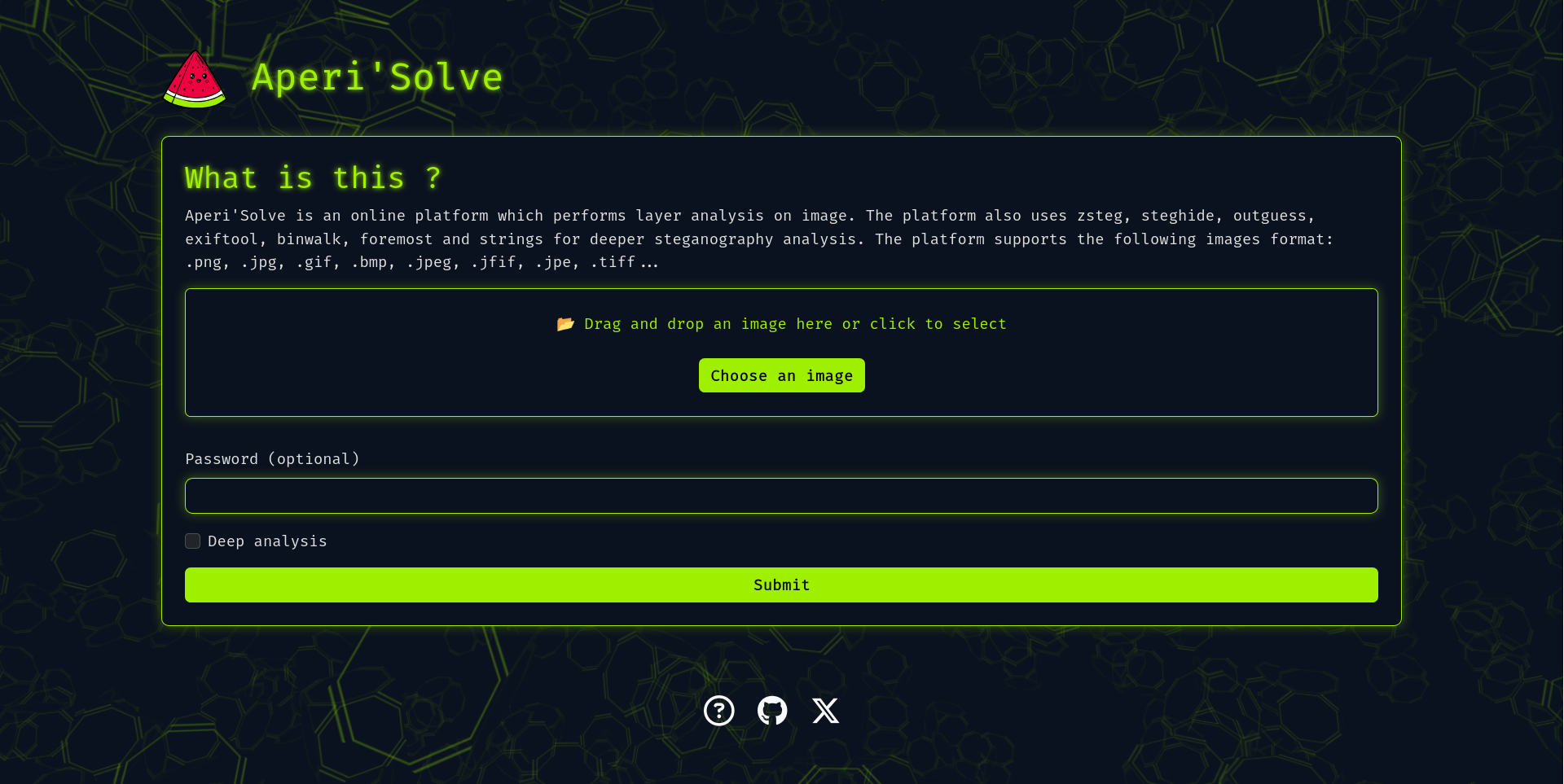
Try it now: https://www.aperisolve.com
Support Aperi'Solve:

What is Aperi'Solve?
Aperi'Solve is a platform which performs steganalysis on images.
The platform uses layer analysis, "zsteg", "steghide", "outguess", "exiftool", "binwalk", "foremost" and "strings" for deeper steganography analysis.

Why Aperi'Solve?
Aperi'Solve has been created in order to have an "easy to use" platform which performs common steganalysis tests such as LSB or steghide. The platform is also a quick alternative for people who were note able to install tools like zsteg (ruby gem) properly.
Features
Aperi'Solve is based on Python3 with Flask and PIL module, the platform supports the most common image formats like.png, .jpg, .gif, .bmp, .jpeg, .jfif, .jpe, .tiff...
The platform allows you to:
- Visualize each bit layer of each channel for a given image (ie. LSB of Red channel).
- Browse and Download each bit layer image.
- Visualise
zsteginformation such as text encoded on LSB - Download
steghidefiles using a defined password - Download
outguessfiles using a defined password - Visualise
exiftoolinformation such as geolocation or author - Visualise
binwalkinformation - Download
binwalkfiles such as ZIP file in PNG headers - Download
foremostfiles such as ZIP file in PNG headers - Visualise
pngcheckoutput - Visualise
stringsoutput
Installation
Even if Aperi'Solve is available at the URL https://www.aperisolve.com/, you can set up your own instance with the following command:
git clone https://github.com/Zeecka/AperiSolve.git
cd aperisolve
docker compose up -d
Default will run on http://localhost:5000/
Development
Aperi'Solve platform is a Flask web service (python 3.11+) with python workers performing analysis. Jobs are stacked in a redis-queue, and image information is stored in a postgresql database. All services run inside Docker containers.
Adding new analyzer
Adding new analyzer is easy.
- Copy and adapt the template_analyzer.py file with your name, ie. "myanalyzer.py".
- Add this analyzer to workers.py.
- Import your function
from .analyzers.analyzer import analyze_myanalyzer - Add the function to the
analyzersvariable, like other analyzers.
- Import your function
- Add your analyzer name to
TOOL_ORDERin aperisolve.js.
Tips
Here is a batch of useful commands.
docker compose down -v  # Remove the volume containings results
docker compose -f compose.dev.yml up  # Start application in developpement mode
rm -rf aperisolve/results  # Remove results from development mode
docker exec -it postgres psql -U aperiuser -d aperisolve  # Get postgresql shell
docker exec -it aperisolve-web bash # Get a shell inside the running web app
Note, if you used compose.dev.yml, you must remove "results" when switching to production Docker setup.
Code quality
Python code follows the following linters:
- Black
- Flake8 (ignoring E203,E501,W503)
- Pylint (ignoring W0718,R0903,R0801)
- Mypy (ignoring unused-awaitable)
GitHub CI will alert in case of failure.
Roadmap
- Zsteg extract / --all --> Download
zstegfiles such as mp3 encoded on LSB - Test on mobile
- i18n
- Rootless analyzers ?