# Aperi'Solve
[](https://aperisolve.com/)
[](https://inventory.raw.pm/tools.html#Aperi'Solve)
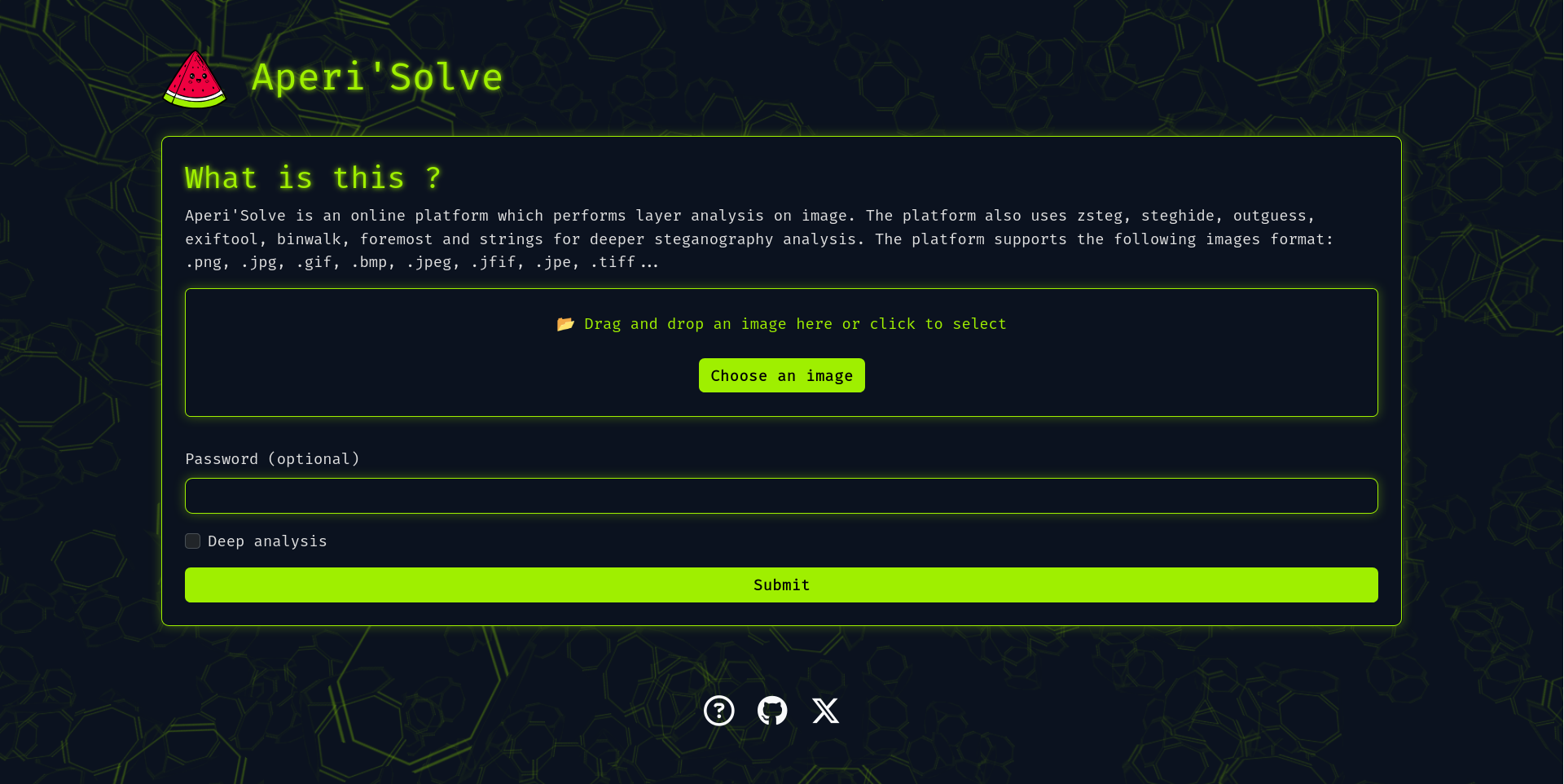
Try it now: https://www.aperisolve.com
## What is Aperi'Solve?
Aperi'Solve is a platform which performs steganalysis on images.
The platform uses *layer analysis*, "*zsteg*", "*steghide*", "*outguess*", "*exiftool*", "*binwalk*", "*foremost*" and "*strings*" for deeper steganography analysis.
### Why Aperi'Solve?
Aperi'Solve has been created in order to have an "easy to use" platform which performs common steganalysis tests such as LSB or `steghide`. The platform is also a quick alternative for people who didn't manage to install tools like `zsteg` (ruby gem) properly.
### Features
Aperi'Solve is based on Python3 with Flask and PIL module, the platform supports the most common images formats like`.png`, `.jpg`, `.gif`, `.bmp`, `.jpeg`, `.jfif`, `.jpe`, `.tiff`...
The platform allow you to:
- **Visualise each bit layer** of each channel for a given image (ie. LSB of Red channel).
- **Browse** and **Download each bit layer image**.
- **Visualise `zsteg` informations** such as text encoded on LSB
- **Download `steghide` files** using a defined password
- **Download `outguess` files** using a defined password
- **Visualise `exiftool` informations** such as geolocation or author
- **Visualise `binwalk` informations**
- **Download `binwalk` files** such as zip in png headers
- **Download `foremost` files** such as zip in png headers
- **Visualise `strings` output**
## Installation
Even if Aperi'Solve is available at the URL https://www.aperisolve.com/, you can set-up your own instance with the following command:
```bash
git clone https://github.com/Zeecka/AperiSolve.git
cd aperisolve
docker compose up -d
```
> Default will run on http://localhost:5000/
## Developpment
Aperi'Solve platform is a *Flask* web service (python 3.11+) with python workers performing analysis.
Jobs are stacked in a redis-queue, and images informations are stored in a postgresql database.
All services are well contained inside Docker containers.
### Adding new analyzer
Adding new analyzer is easy.
1. Copy and addapt the [template_analyzer.py](aperisolve/analyzers/template_analyzer.py) file with you name, ie. "myanalyzer.py".
2. Add this analyzer to [workers.py](aperisolve/workers.py).
- Import your function `from .analyzers.analyzer import analyze_myanalyzer`
- Add the function to `analyzers` variables, like other analyzers.
3. Add your analyzer name to `TOOL_ORDER` in [aperisolve.js](aperisolve/static/js/aperisolve.js).
### Tips
Here is a batch of usefull commands.
```bash
docker compose down -v # Remove volume containings results
docker compose -f docker-compose-dev.yml up # Start application in developpement mode
rm -rf aperisolve/results # Remove results from developpement mode
```
> Note, if you used [docker-compose-dev.yml](docker-compose-dev.yml), you must remove "results" when switching to [production docker](docker-compose.yml).
### Code quality
Python code follows the following linters:
- Black
- Flake8 (ignoring E203,E501,W503)
- Pylint (ignoring W0718,R0903,R0801)
- Mypy (ignoring unused-awaitable)
GitHub CI will alert in case of failure.
## Roadmap
- [ ] PngCheck
- [ ] Zsteg extract / --all --> **Download `zsteg` files** such as mp3 encoded on LSB
- [ ] Test on mobile
- [ ] i18n
- [ ] Rootless analyzers ?