 ---
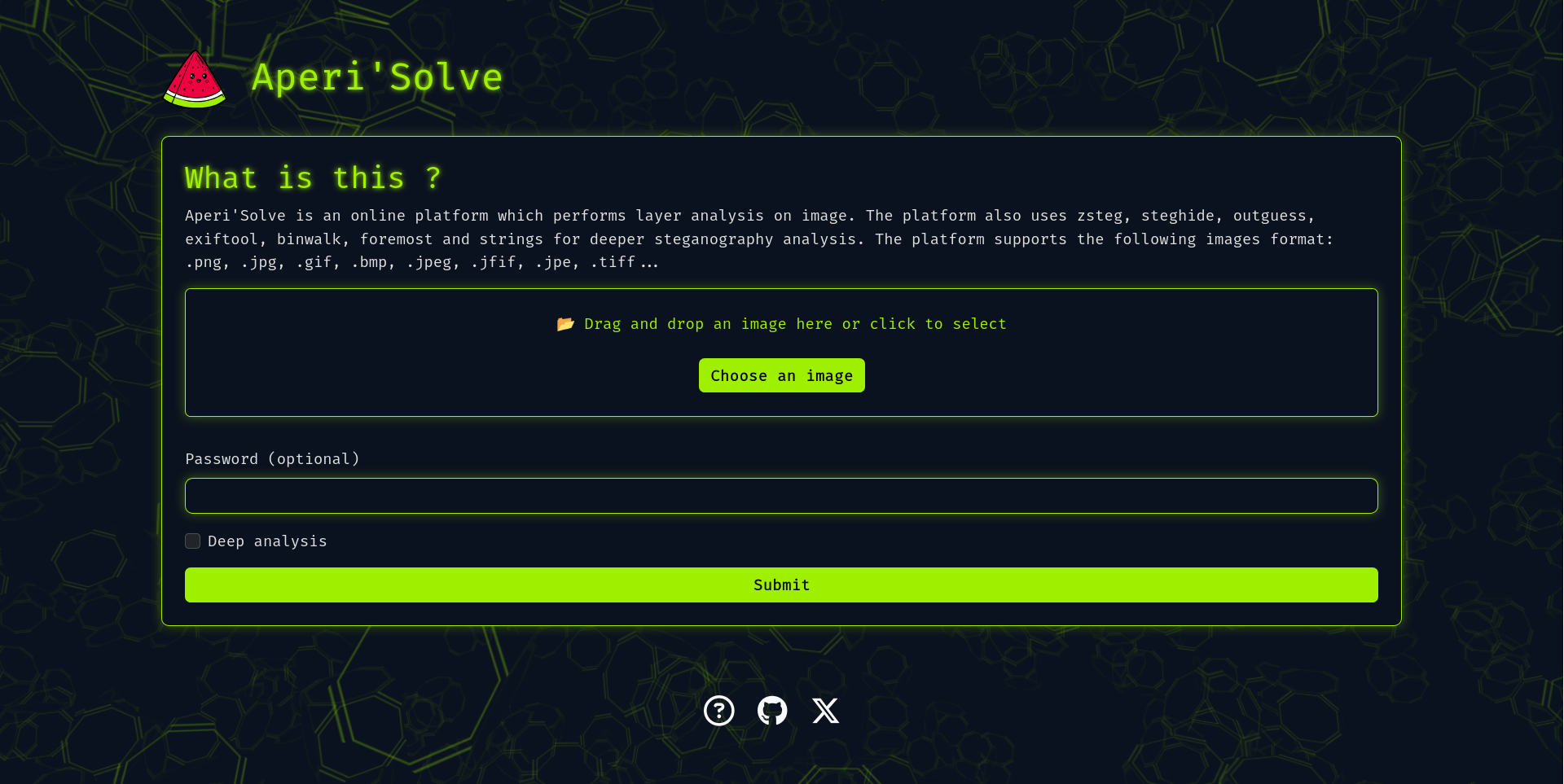
Aperi'Solve is an open-source steganalysis web platform that performs automated analysis on images to detect and extract hidden data using common steganography tools and techniques.
Table of contents
- [Key features](#key-features)
- [Quick start (Docker)](#quick-start-docker)
- [Development](#development)
- [Adding a new analyzer](#adding-a-new-analyzer)
- [Configuration & environment variables](#configuration--environment-variables)
- [Architecture](#architecture)
- [Troubleshooting & tips](#troubleshooting--tips)
- [Roadmap](#roadmap)
- [Contributing](#contributing)
## Key features
- Visualize each bit layer (LSB and other layers) per image channel (R/G/B/Alpha).
- Browse and download each bit-layer image.
- Integrates and displays outputs from:
- zsteg (LSB text/data extraction)
- steghide (extraction with password)
- outguess (extraction with password)
- exiftool (metadata and geolocation)
- binwalk (embedded archives)
- foremost (carved files)
- pngcheck
- strings
- Worker queue architecture for offloading heavy/slow analyzers (Redis + background workers).
- Results stored for later browsing and download.
## Quick start (Docker)
In case you want to host your own version of https://www.aperisolve.com/.
Recommended: Docker + Docker Compose.
Clone and start the full stack (production-like):
```bash
git clone https://github.com/Zeecka/AperiSolve.git
cd AperiSolve
docker compose up -d
```
Default: http://localhost:5000/
## Development
Development compose:
```bash
# development environment (hot reload and local volumes)
docker compose -f compose.dev.yml up --build
```
Useful commands:
```bash
# Stop and remove containers, networks and volumes (results are stored in a volume)
docker compose down -v
# Enter web container shell
docker exec -it aperisolve-web bash
# Enter Postgres shell (from host)
docker exec -it postgres psql -U aperiuser -d aperisolve
```
Note: If switching between dev and production compose files, remove the `results` directory or mounted volume to avoid conflicts:
```bash
rm -rf aperisolve/results
```
### Adding a new analyzer
Adding a custom analyzer is straightforward:
1. Create your analyzer file:
- Copy `aperisolve/analyzers/template_analyzer.py` -> `aperisolve/analyzers/myanalyzer.py`
- Implement function signature similar to:
```python
# aperisolve/analyzers/myanalyzer.py
def analyze_myanalyzer(image_path: str, results_dir: str) -> dict:
"""
Perform analysis on image located at image_path.
Produce outputs in results_dir and return a result dict (json-serializable).
"""
# your analysis logic here
return {"name": "myanalyzer", "status": "ok", "outputs": [...]}
```
2. Register the analyzer in the worker pipeline:
- Edit `aperisolve/workers.py`:
```python
# import
from .analyzers.myanalyzer import analyze_myanalyzer
# add to analyzers list (preserve the order)
analyzers = [
analyze_zsteg,
analyze_steghide,
# ...
analyze_myanalyzer,
]
```
3. Add your analyzer to the UI order:
- Edit `aperisolve/static/js/aperisolve.js` and append `myanalyzer` to `TOOL_ORDER` so it appears in the frontend.
4. Test locally: run the worker and submit jobs to ensure outputs are produced and displayed.
Tips:
- Keep analyzers idempotent and write outputs to the provided `results_dir`.
- Return structured JSON so the frontend can render links/downloads automatically.
## Configuration & environment variables
Typical services:
- Web app (Flask)
- Workers (Python)
- Redis (RQ)
- PostgreSQL
Main environment variables (examples):
- DATABASE_URL=postgresql://aperiuser:password@postgres:5432/aperisolve
- REDIS_URL=redis://redis:6379/0
- SECRET_KEY=change_me
- FLASK_ENV=production/development
If using Docker Compose, defaults are set in the compose files. For production deployments, set secure secrets via your orchestrator or environment.
## Architecture
- Flask web framework
- Background workers that run analyzers (queue via Redis)
- PostgreSQL stores image metadata and job statuses
- Docker-based deployment for isolation of analyzers and services
This separation keeps heavy tools (binwalk, foremost, zsteg, etc.) isolated and avoids blocking the web worker.
## Troubleshooting & tips
- If analyzers don't produce output, check worker logs:
```bash
docker compose logs -f aperisolve-worker
```
- To force re-analysis, remove results for the image (both file and in database) and re-submit the job.
- Ensure system packages needed by native tools (binwalk, foremost) are available in the analyzer containers or host image.
## Roadmap
- [ ] zsteg: full extraction (--all) and download of discovered files (mp3, etc.)
- [ ] Mobile-friendly UI / test on mobile
- [ ] i18n (internationalization)
- [ ] Rootless / unprivileged analyzers
- [ ] Improve analyzer sandboxing (e.g., per-analyzer containers)
## Contributing
Contributions are welcome! Please:
1. Fork the repository
2. Create a feature branch
3. Open a pull request describing your change
Please follow the code style and run linters before submitting.
The project adheres to:
- Black
- Flake8 (ignoring E203, E501, W503)
- Pylint (ignoring W0718, R0903, R0801)
- Mypy (ignoring unused-awaitable)
CI will run these checks on each PR.
## Security
- If you discover a security issue, please report it privately to the repository owner instead of opening a public issue.
## Credits
Acknowledgements:
- Thanks to contributors and the open-source community for the tools integrated (zsteg, steghide, binwalk, foremost, exiftool).
---
Aperi'Solve is an open-source steganalysis web platform that performs automated analysis on images to detect and extract hidden data using common steganography tools and techniques.
Table of contents
- [Key features](#key-features)
- [Quick start (Docker)](#quick-start-docker)
- [Development](#development)
- [Adding a new analyzer](#adding-a-new-analyzer)
- [Configuration & environment variables](#configuration--environment-variables)
- [Architecture](#architecture)
- [Troubleshooting & tips](#troubleshooting--tips)
- [Roadmap](#roadmap)
- [Contributing](#contributing)
## Key features
- Visualize each bit layer (LSB and other layers) per image channel (R/G/B/Alpha).
- Browse and download each bit-layer image.
- Integrates and displays outputs from:
- zsteg (LSB text/data extraction)
- steghide (extraction with password)
- outguess (extraction with password)
- exiftool (metadata and geolocation)
- binwalk (embedded archives)
- foremost (carved files)
- pngcheck
- strings
- Worker queue architecture for offloading heavy/slow analyzers (Redis + background workers).
- Results stored for later browsing and download.
## Quick start (Docker)
In case you want to host your own version of https://www.aperisolve.com/.
Recommended: Docker + Docker Compose.
Clone and start the full stack (production-like):
```bash
git clone https://github.com/Zeecka/AperiSolve.git
cd AperiSolve
docker compose up -d
```
Default: http://localhost:5000/
## Development
Development compose:
```bash
# development environment (hot reload and local volumes)
docker compose -f compose.dev.yml up --build
```
Useful commands:
```bash
# Stop and remove containers, networks and volumes (results are stored in a volume)
docker compose down -v
# Enter web container shell
docker exec -it aperisolve-web bash
# Enter Postgres shell (from host)
docker exec -it postgres psql -U aperiuser -d aperisolve
```
Note: If switching between dev and production compose files, remove the `results` directory or mounted volume to avoid conflicts:
```bash
rm -rf aperisolve/results
```
### Adding a new analyzer
Adding a custom analyzer is straightforward:
1. Create your analyzer file:
- Copy `aperisolve/analyzers/template_analyzer.py` -> `aperisolve/analyzers/myanalyzer.py`
- Implement function signature similar to:
```python
# aperisolve/analyzers/myanalyzer.py
def analyze_myanalyzer(image_path: str, results_dir: str) -> dict:
"""
Perform analysis on image located at image_path.
Produce outputs in results_dir and return a result dict (json-serializable).
"""
# your analysis logic here
return {"name": "myanalyzer", "status": "ok", "outputs": [...]}
```
2. Register the analyzer in the worker pipeline:
- Edit `aperisolve/workers.py`:
```python
# import
from .analyzers.myanalyzer import analyze_myanalyzer
# add to analyzers list (preserve the order)
analyzers = [
analyze_zsteg,
analyze_steghide,
# ...
analyze_myanalyzer,
]
```
3. Add your analyzer to the UI order:
- Edit `aperisolve/static/js/aperisolve.js` and append `myanalyzer` to `TOOL_ORDER` so it appears in the frontend.
4. Test locally: run the worker and submit jobs to ensure outputs are produced and displayed.
Tips:
- Keep analyzers idempotent and write outputs to the provided `results_dir`.
- Return structured JSON so the frontend can render links/downloads automatically.
## Configuration & environment variables
Typical services:
- Web app (Flask)
- Workers (Python)
- Redis (RQ)
- PostgreSQL
Main environment variables (examples):
- DATABASE_URL=postgresql://aperiuser:password@postgres:5432/aperisolve
- REDIS_URL=redis://redis:6379/0
- SECRET_KEY=change_me
- FLASK_ENV=production/development
If using Docker Compose, defaults are set in the compose files. For production deployments, set secure secrets via your orchestrator or environment.
## Architecture
- Flask web framework
- Background workers that run analyzers (queue via Redis)
- PostgreSQL stores image metadata and job statuses
- Docker-based deployment for isolation of analyzers and services
This separation keeps heavy tools (binwalk, foremost, zsteg, etc.) isolated and avoids blocking the web worker.
## Troubleshooting & tips
- If analyzers don't produce output, check worker logs:
```bash
docker compose logs -f aperisolve-worker
```
- To force re-analysis, remove results for the image (both file and in database) and re-submit the job.
- Ensure system packages needed by native tools (binwalk, foremost) are available in the analyzer containers or host image.
## Roadmap
- [ ] zsteg: full extraction (--all) and download of discovered files (mp3, etc.)
- [ ] Mobile-friendly UI / test on mobile
- [ ] i18n (internationalization)
- [ ] Rootless / unprivileged analyzers
- [ ] Improve analyzer sandboxing (e.g., per-analyzer containers)
## Contributing
Contributions are welcome! Please:
1. Fork the repository
2. Create a feature branch
3. Open a pull request describing your change
Please follow the code style and run linters before submitting.
The project adheres to:
- Black
- Flake8 (ignoring E203, E501, W503)
- Pylint (ignoring W0718, R0903, R0801)
- Mypy (ignoring unused-awaitable)
CI will run these checks on each PR.
## Security
- If you discover a security issue, please report it privately to the repository owner instead of opening a public issue.
## Credits
Acknowledgements:
- Thanks to contributors and the open-source community for the tools integrated (zsteg, steghide, binwalk, foremost, exiftool).